Squashing-factor render
The primary product: the line-of-sight integral of log₁₀ Q⊥ through the built volume. Q⊥ is the perpendicular squashing factor, the projection-robust variant of the classical Q; it is large exactly where neighbouring field lines are pulled apart, in the quasi-separatrix layers, and diverges at separatrices, so the integral renders the fine structure seen at a total solar eclipse.
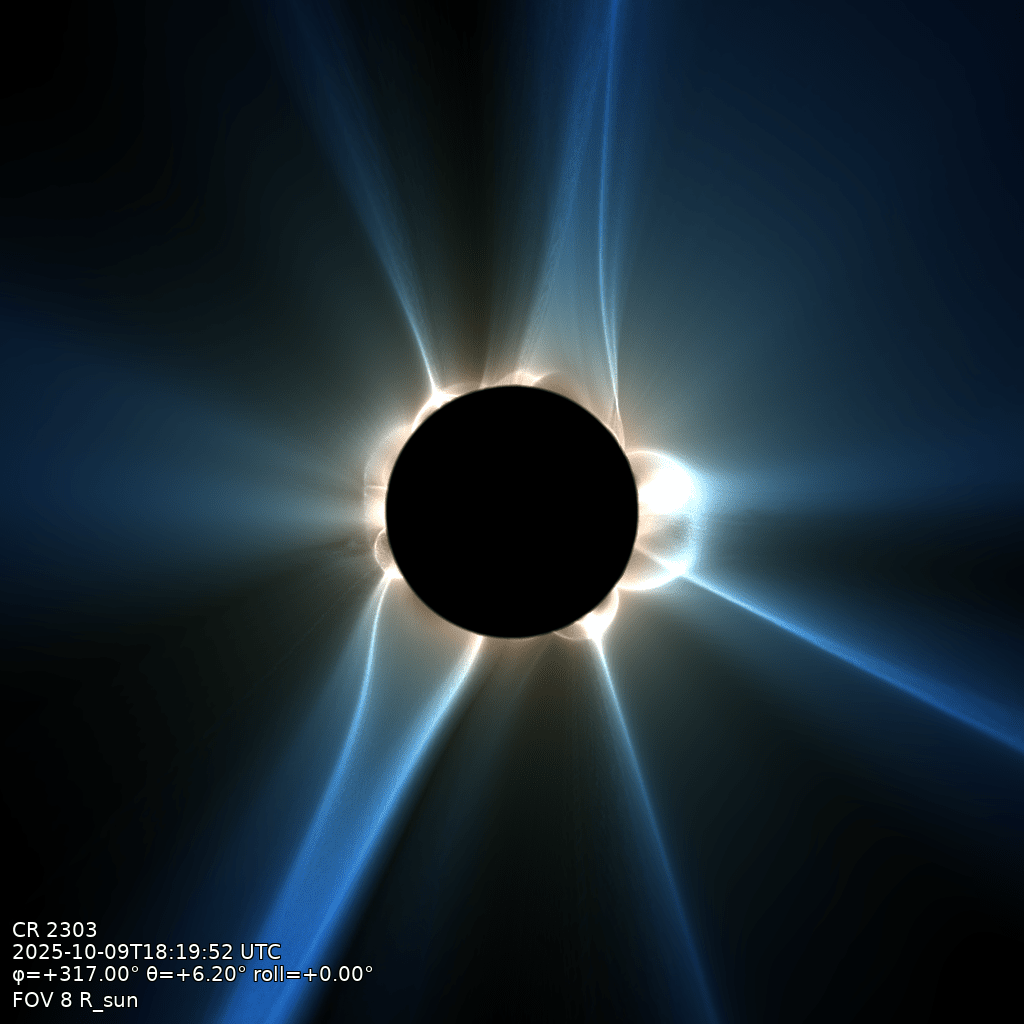
qorona render data/coconut_corona.qor -o data/eclipse.png --fov 8 --longitude 317 --latitude 6.2
The flags that matter
--fov: field of view (full width) in solar radii.--longitude,--latitude,--roll: sub-observer heliographic point and camera roll; or--observer earth|stereo-a|solo|pspto take a real observer's viewpoint at the timestamp (see Camera and viewpoint).--occult: the body treatment; see the occultation modes below.--preset: geometric depth weighting,large-fovorsmall-fovfor the near-limb view (defaultlarge-fov).--step: line-of-sight sample spacing in solar radii (default 0.02).--width,--height: image size in pixels (default 1024).--export fits: also write the quantitative render (LOS-averaged log₁₀ Q⊥, float32, WCS-registered) beside the PNG; needs a timestamp. See Export to JHelioviewer.
qorona render --help shows the common options, --help-all the complete reference (display
clamp, stretch percentiles, stamp placement, and more).
Near-limb view
Closing in on the low corona is a setting, not a different product: a small field of view
with the matching depth weighting, --fov 3 --preset small-fov. This sun view uses the opaque
body (--occult opaque) so the disk shows its surface Q⊥ structure rather than a dark eclipse
disk.
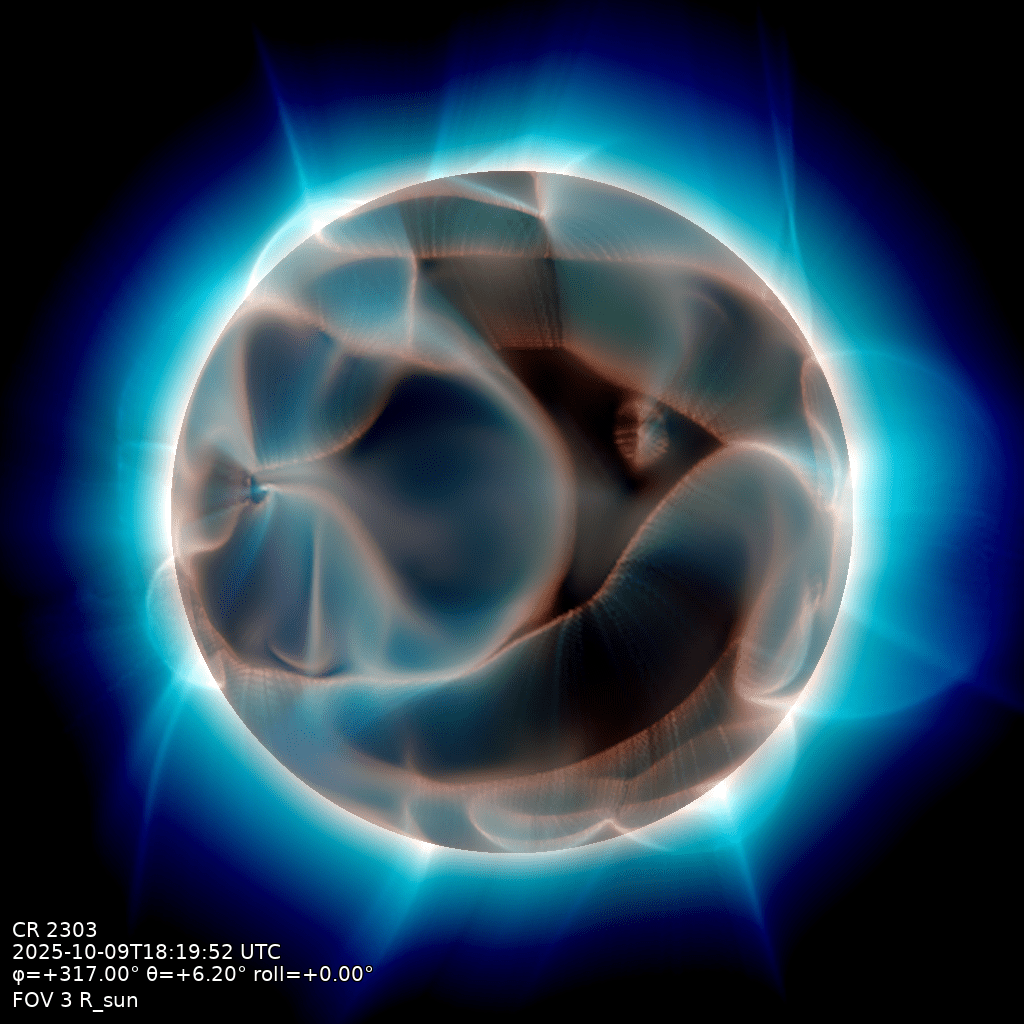
qorona render data/coconut_corona.qor -o data/near-limb.png \
    --fov 3 --longitude 317 --latitude 6.2 --preset small-fov --step 0.002 --occult opaque
Small fields of view need a fine step
The default --step 0.02 is matched to whole-corona views. Close in, thin sheets alias
at that spacing: drop to --step 0.002.
Occultation modes
--occult picks the treatment of the solar body: opaque (the solid 3-D body, shown in the
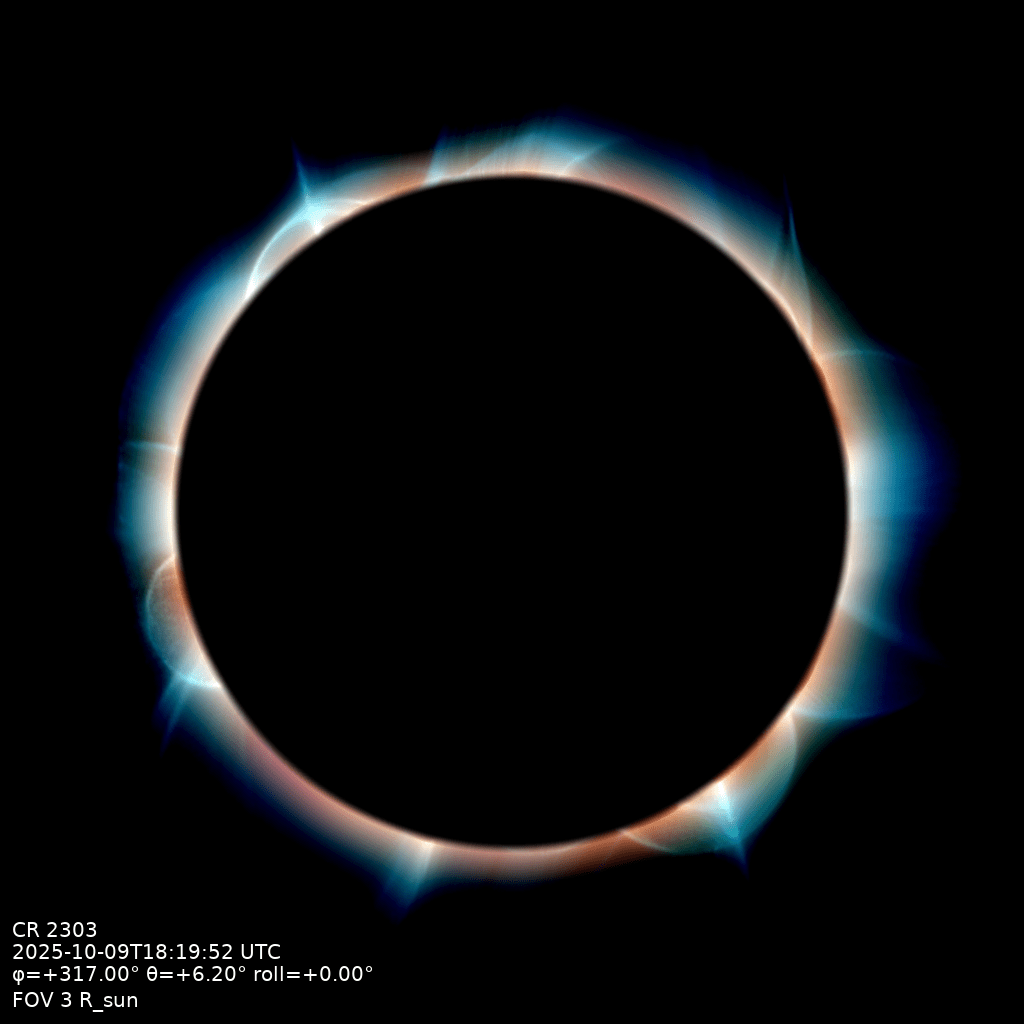
near-limb view above), eclipse (the dark disk, the default), none (no body at all; the
integral runs through the whole volume), and composite (below). At the whole-corona scale
the disk is small and the modes look alike, so eclipse and none are compared here at the
same near-limb setting as the opaque view above:
eclipse (default) |
none |
|---|---|
 |
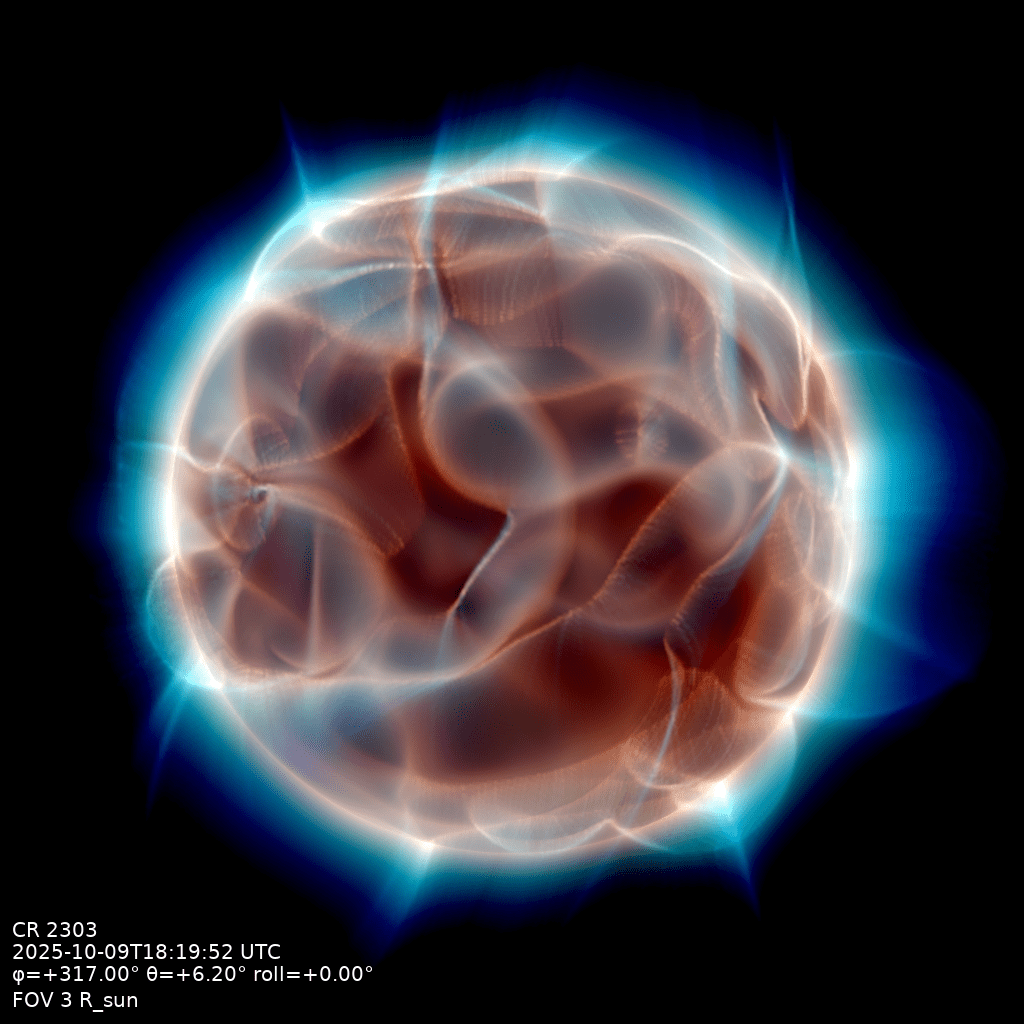 |
qorona render data/coconut_corona.qor -o data/occult-<mode>.png \
    --fov 3 --longitude 317 --latitude 6.2 --preset small-fov --step 0.002 --occult <mode>
composite is made for the whole-corona view: the eclipse image with the disk filled by the
near-limb view, toned down so the corona stays dominant; --disk-tone and --disk-desat
tune it.
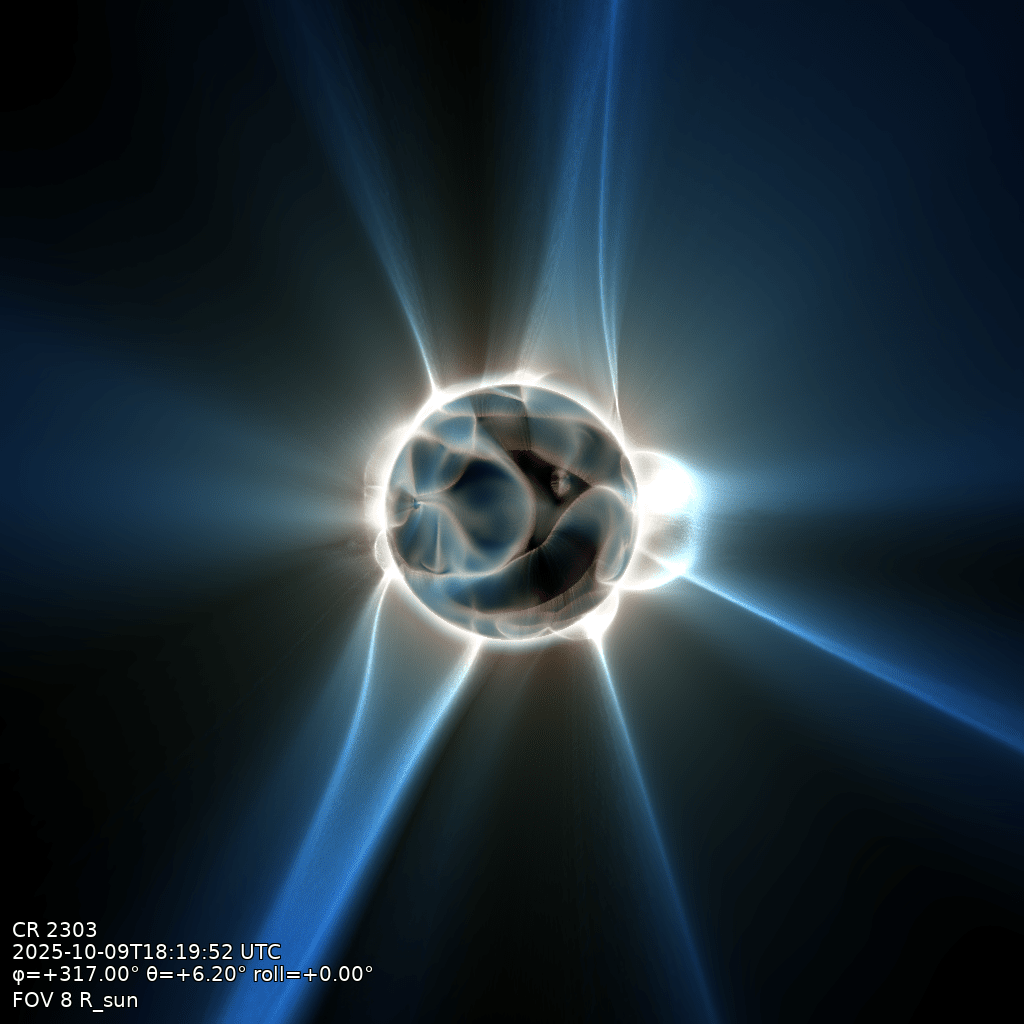
qorona render data/coconut_corona.qor -o data/composite.png \
    --fov 8 --longitude 317 --latitude 6.2 --occult composite